The Painting-Time Dial
Teaching AI to understand how long an artist spent. We mapped the real watercolour process onto a 5-level intensity dial — from a 30-second pencil sketch to a painting that took an afternoon.
The Idea
A real watercolour painting progresses through distinct stages. Each stage adds time, technique, and visual weight. The insight: intensity equals painting time. Level 1 is a 30-second sketch. Level 5 is a painting that took an afternoon. Each level adds the next layer of the real watercolour process.
This matters because educational content has different visual weights. A section header needs a whisper of colour (Level 1). A learning path cover needs a cinematic poster (Level 5). The same style, the same palette — just different amounts of the artist's time.
Concept Art Framing
5/5 CleanPrompt anchor: concept art painted in teal-green washes on white background. This positions the output in the entertainment/game industry — modern creative context where stamps and seals don't exist.
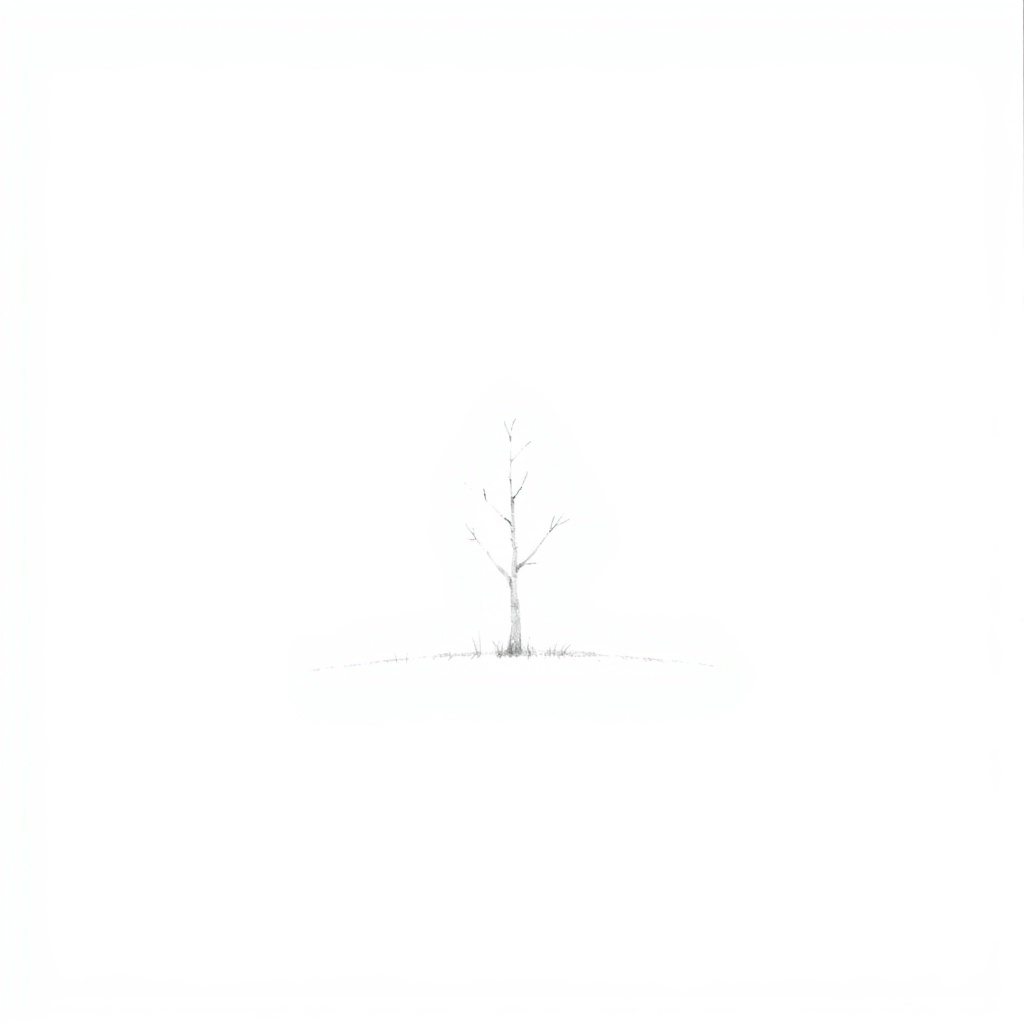
Quick Sketch
30 seconds
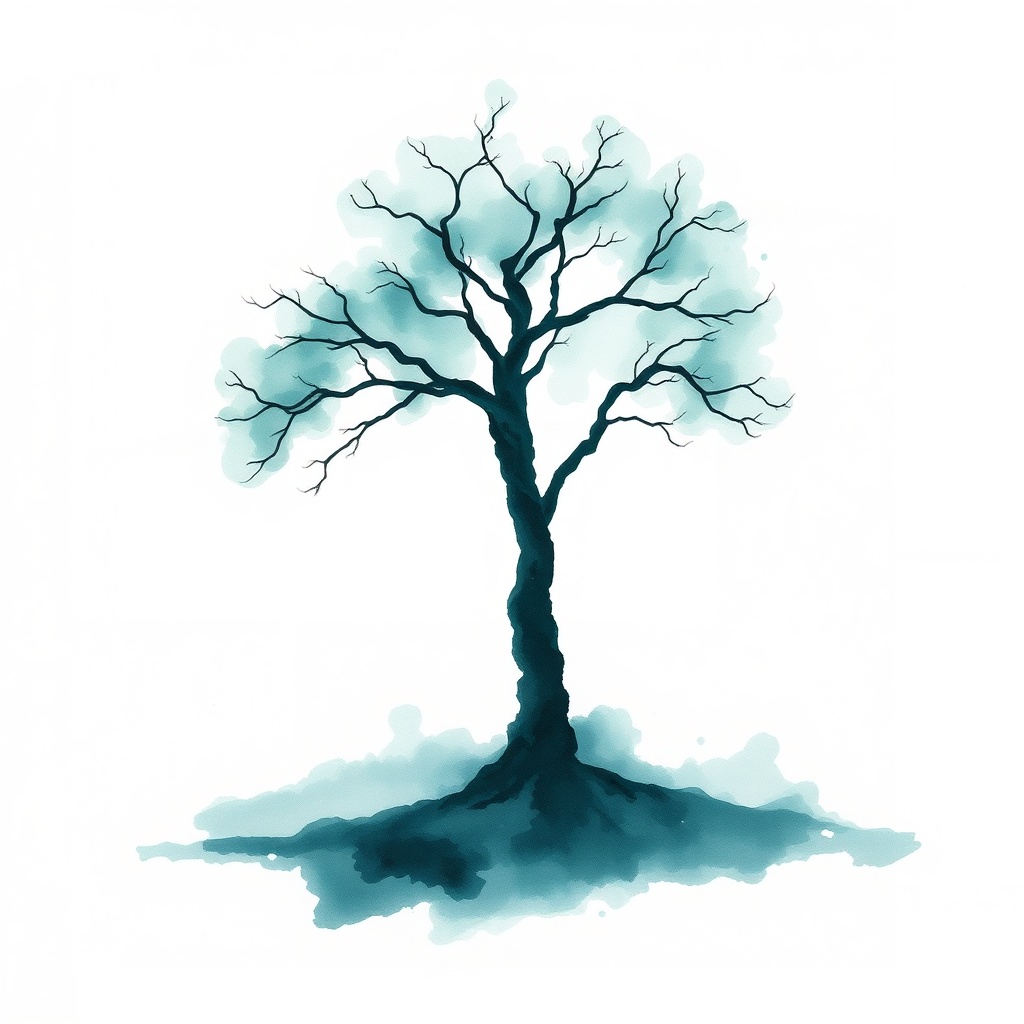
First Wash
2 minutes
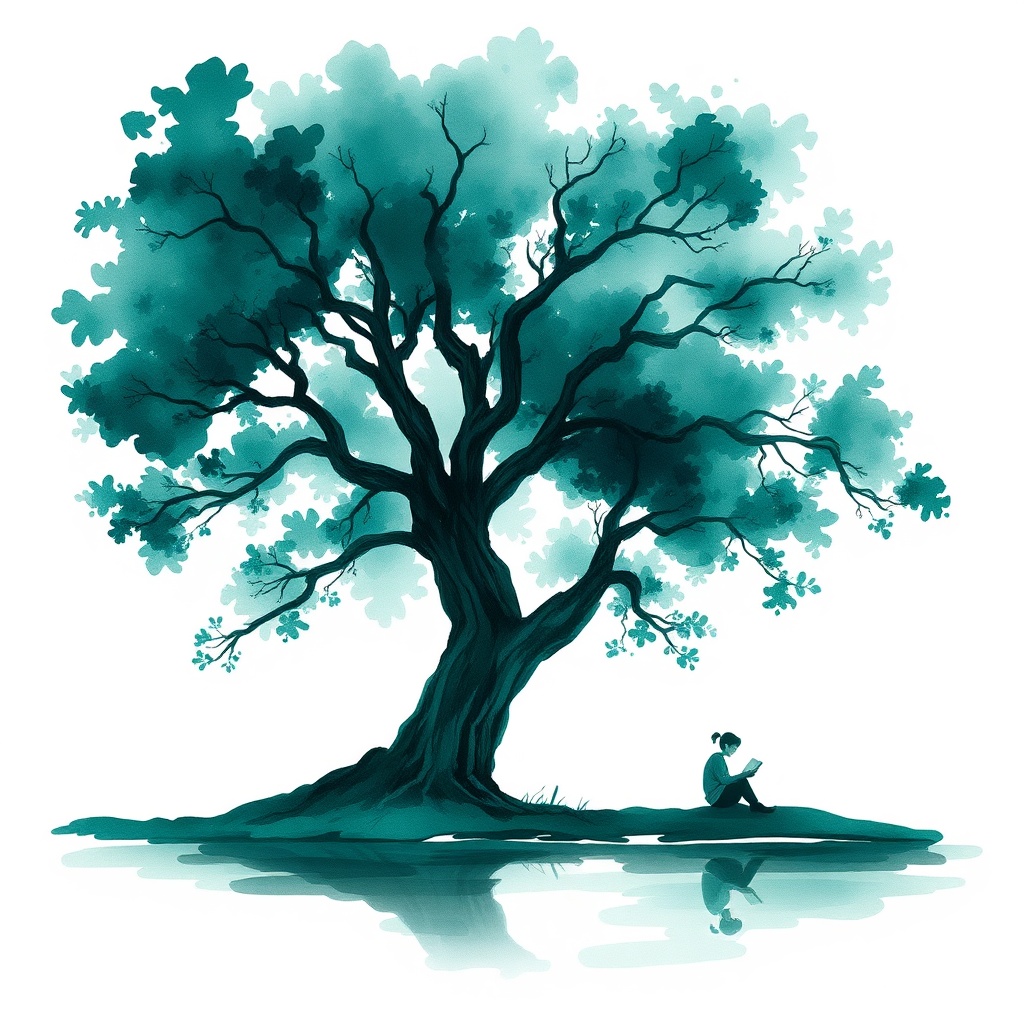
Building Layers
10 minutes
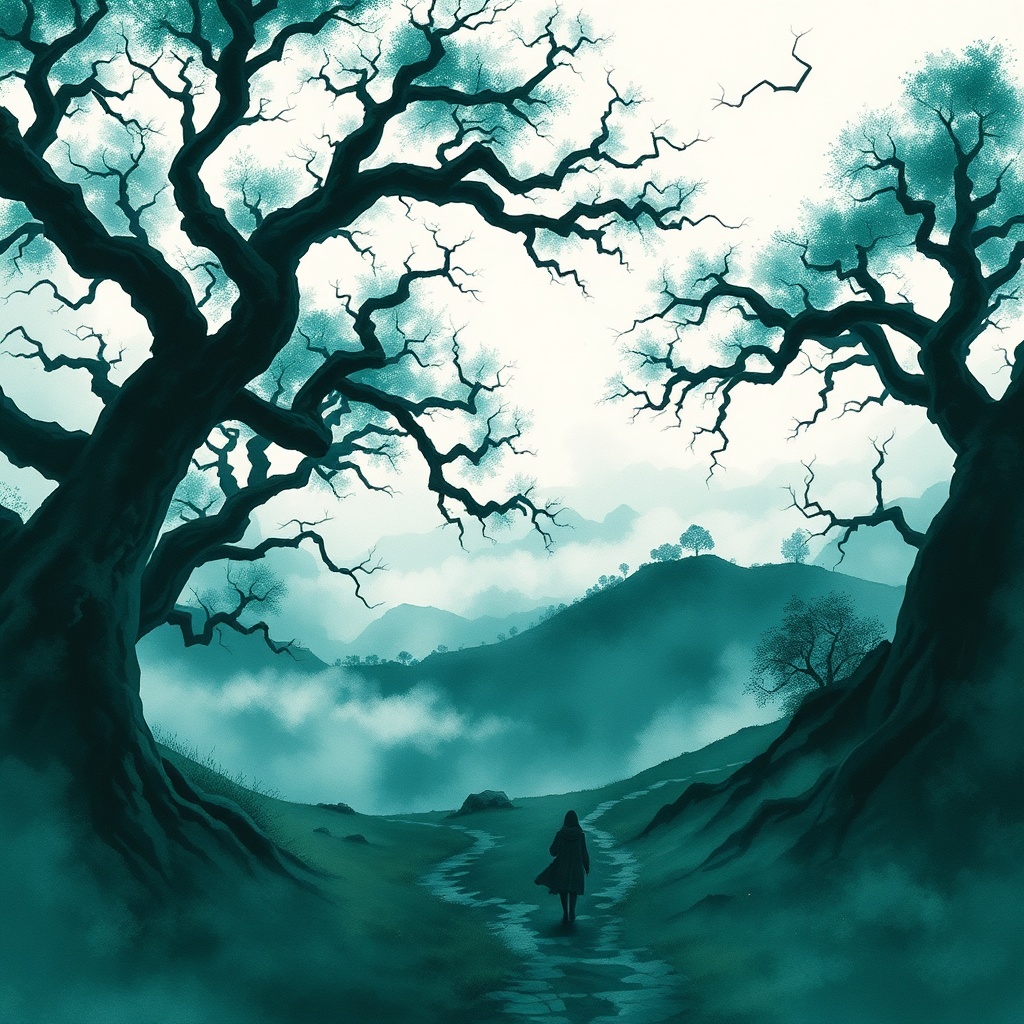
Detail & Depth
30 minutes
Finished Painting
an afternoon
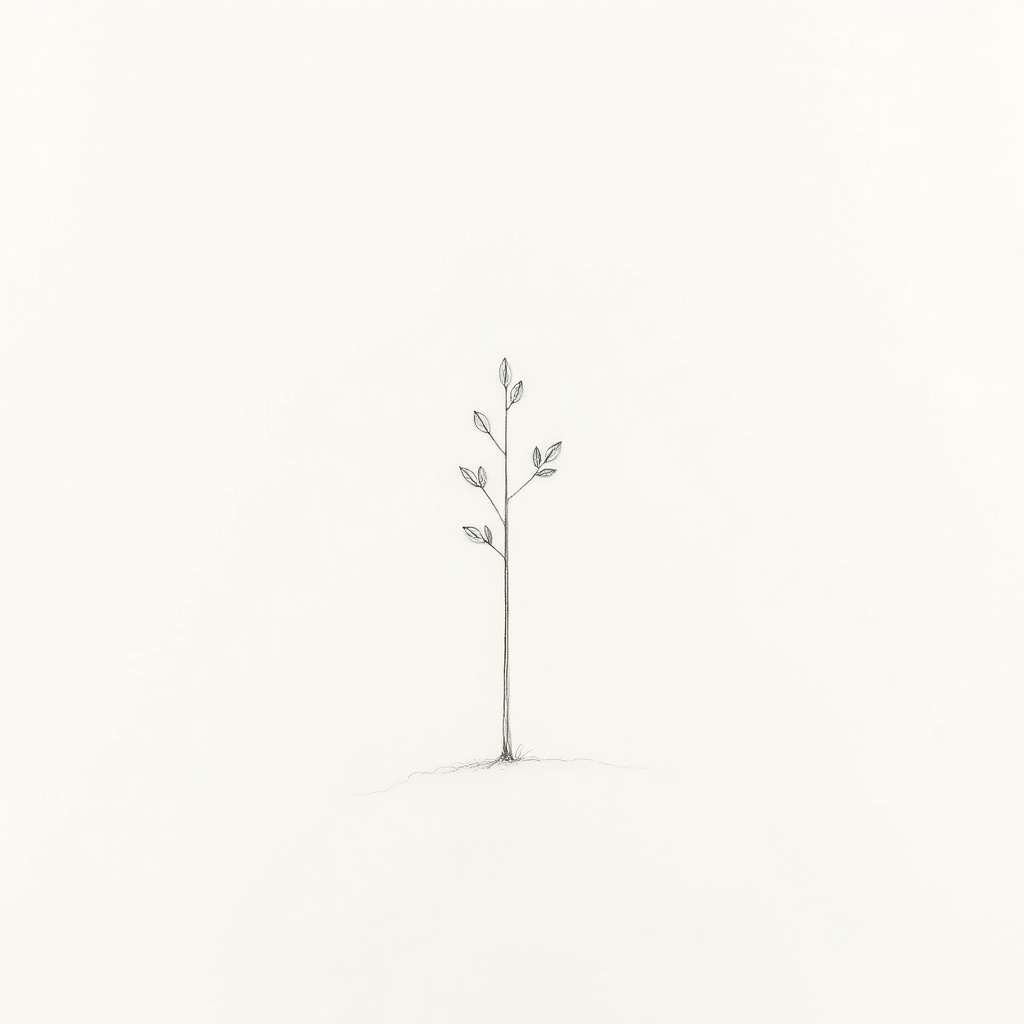
1Quick Sketch(30 seconds)▶
Just pencil on paper. Ghostly thin graphite lines, 95% empty white space. The artist captures a thought — a bare sapling, barely there.
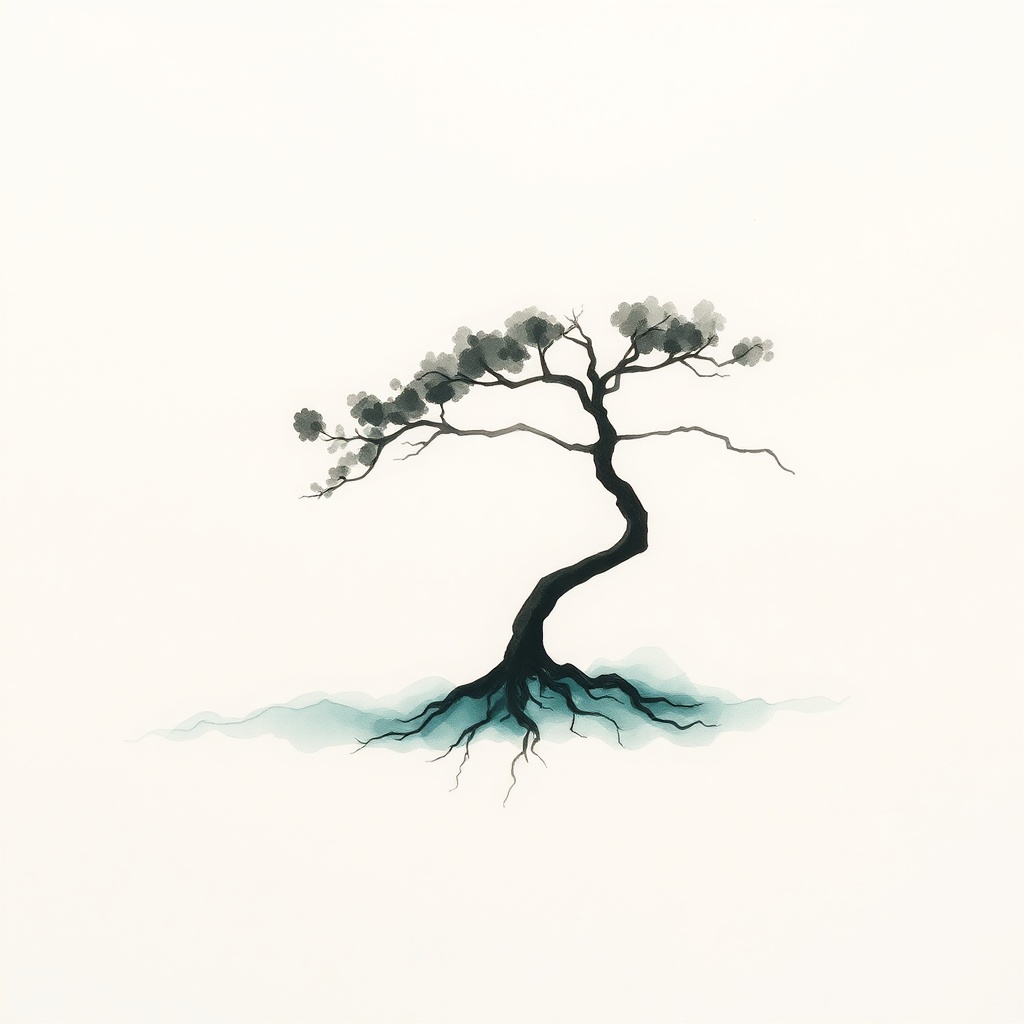
2First Wash(2 minutes)▶
The first pigment touches paper. A dark fluid brushstroke forms the trunk, then one very diluted teal wash bleeds softly around the base. 75% of the paper is still bare white.
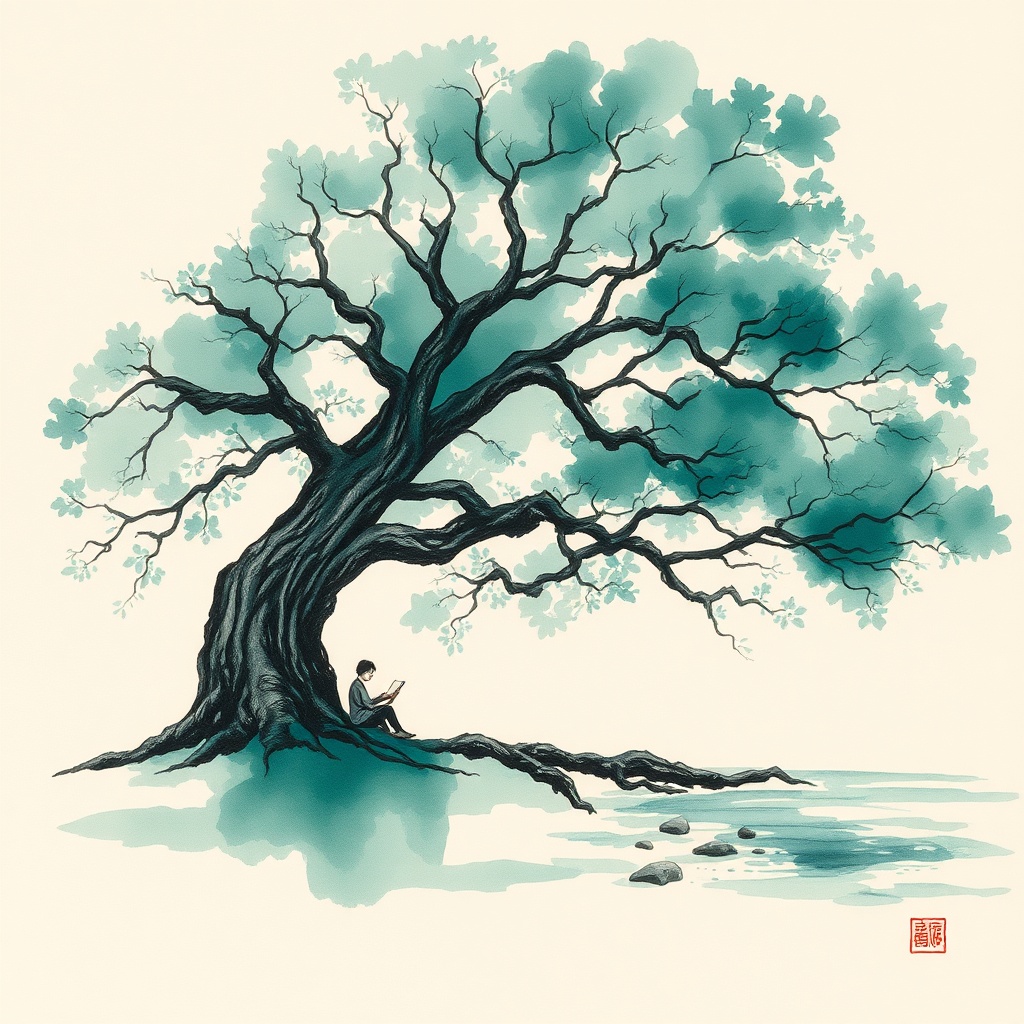
3Building Layers(10 minutes)▶
The painting takes shape. Broad loose brushstrokes with transparent layers. A reader sits beneath a spreading tree — subject in context, environment emerging. 45% white still visible.
4Detail & Depth(30 minutes)▶
Concentrated dark pigment creates powerful shadows. Layered transparent washes build atmospheric depth. Fine detail in the foreground. Dramatic scene with multiple elements — two ancient trees frame a lone figure on a misty path.
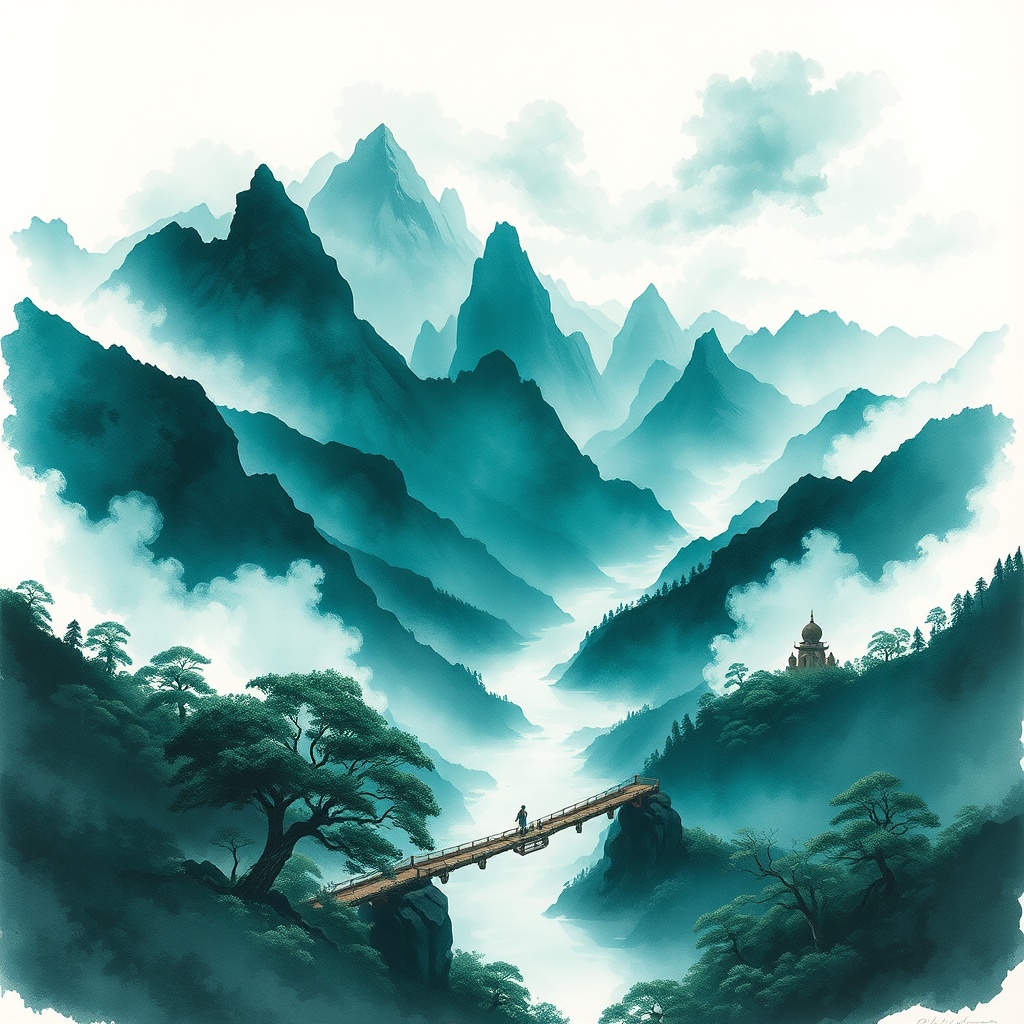
5Finished Painting(an afternoon)▶
Every technique deployed. Transparent ghost-washes to deeply concentrated near-black darks. Atmospheric effects, dramatic light rays. An epic panoramic mountain landscape — layered peaks in teal mist, a wooden bridge crossing a gorge, tiny figures discovering hidden elements.
Pure Material Description
3/5 CleanPrompt anchor: diluted teal-green pigment bleeding into wet cream paper. Describes the physics of paint without naming any genre or tradition. Works at levels 1-2 but fails at higher intensities.
Quick Sketch
First Wash
Building Layers
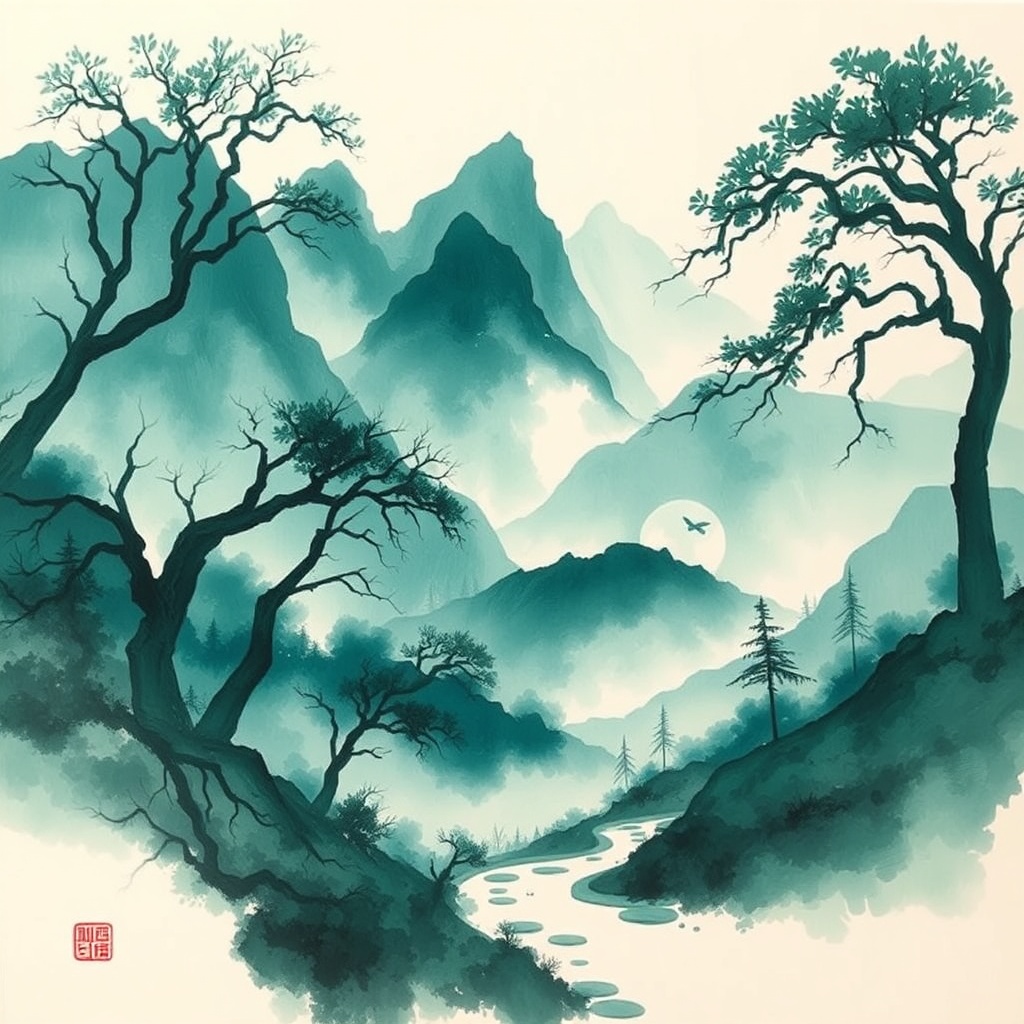
Detail & Depth
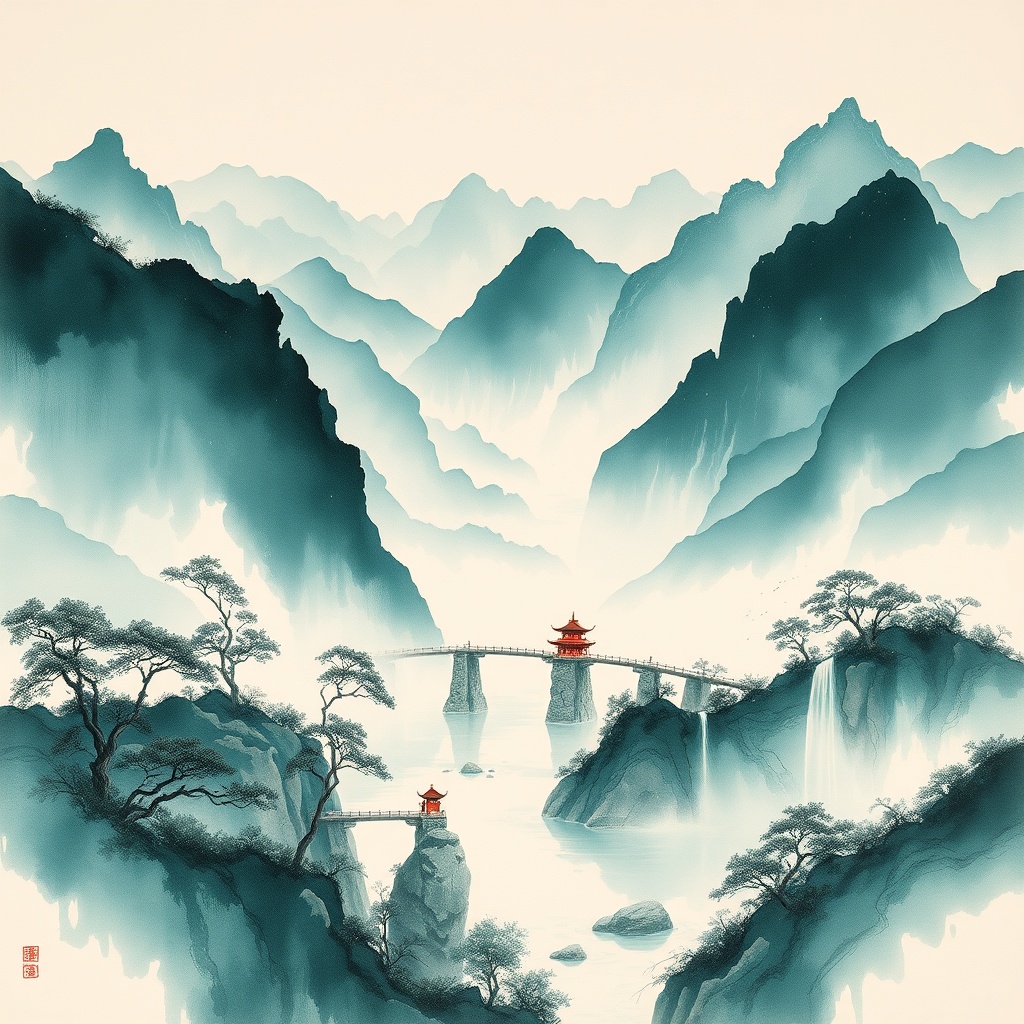
Finished Painting
Why it fails at Level 3+
Even without naming a genre, once the visual output reaches ink-wash density, Flux recognises the pattern from its training data and adds cultural artefacts (stamps, seals). The artefact is triggered by visual similarity, not just by words. This is a key insight: you can describe physics perfectly, but if the resulting image looks like a traditional painting, the model will add traditional conventions.
What We Learned
"Concept art" is the universal solvent for artefacts
The phrase anchors Flux in the modern creative industry — game studios, film concept departments, editorial illustration. These contexts have no tradition of stamping or signing artwork. It gives us the atmospheric, expressive brushwork aesthetic without the cultural baggage.
The visual pattern itself is a trigger
Artefacts aren't just word-triggered. Once the image reaches sufficient ink-wash visual density, Flux adds stamps and seals from pattern recognition alone. This means negative prompts ("no stamps") are insufficient — you need to prevent the model from entering that visual neighbourhood in the first place.
"teal-green" not "deep cyan"
Flux renders "cyan" and "deep cyan" as bright blue. "teal-green" is the phrase that produces the correct #3A7A7A brand colour. This is Flux-specific — other models may have different colour word mappings.
Painting time is a better metaphor than detail level
Telling the model "add more detail" produces cluttered images. Telling it "the artist spent 30 minutes" produces images with appropriate complexity, technique variation, and visual weight. The painting-time metaphor maps to real process: sketch → first wash → layers → detail → exhibition quality.
Levels 4 and 5 need better differentiation
With Flux Schnell, the jump from Level 4 to Level 5 isn't dramatic enough. Both produce dense, atmospheric scenes. Flux Dev with a watercolour LoRA should help — the full model (not distilled) has better prompt adherence for subtle technique differences. This is the focus of the next experiment.
Technical Details
| Model | Flux Schnell (fp8 quantised) |
| Provider | fal.ai (Tier 1a — managed API) |
| Cost per image | ~$0.003 (per megapixel) |
| Latency | ~370ms per image |
| Resolution | 1024 x 1024 |
| Art director | Claude Sonnet 4 (prompt v1.1) |
| Palette | #3A7A7A (teal-green) — CoNoggin brand |
| Anti-artefact | "concept art" framing + "clean artwork, plain unmarked edges" |
| Pipeline | Gateway Producer (Layer 3) → thumbnail pipeline |
Next: Session 8
The painting-time dial works, but Flux Schnell is a distilled model — it approximates watercolour texture rather than producing authentic pigment granulation, paper grain, and paint pooling. The next experiment tests three approaches:
- Z-Image-Turbo — a 6B Apache 2.0 model at $0.005/image (6x cheaper than Schnell)
- Flux Dev + Watercolour LoRA — the full (non-distilled) Flux model with a fine-tuned watercolour adapter
- Seedream 5.0 Lite— ByteDance's cost-efficient model with built-in reasoning
Alt Shift Lab · Visual Production System · April 2026
Producer v0.3.0 · Flux Schnell via fal.ai · Art direction by Claude